Save Any Website as an App on Your iPhone
It takes 10 seconds. Here's how.
Step 1 of 5
👆
👆
👈
👆
👆
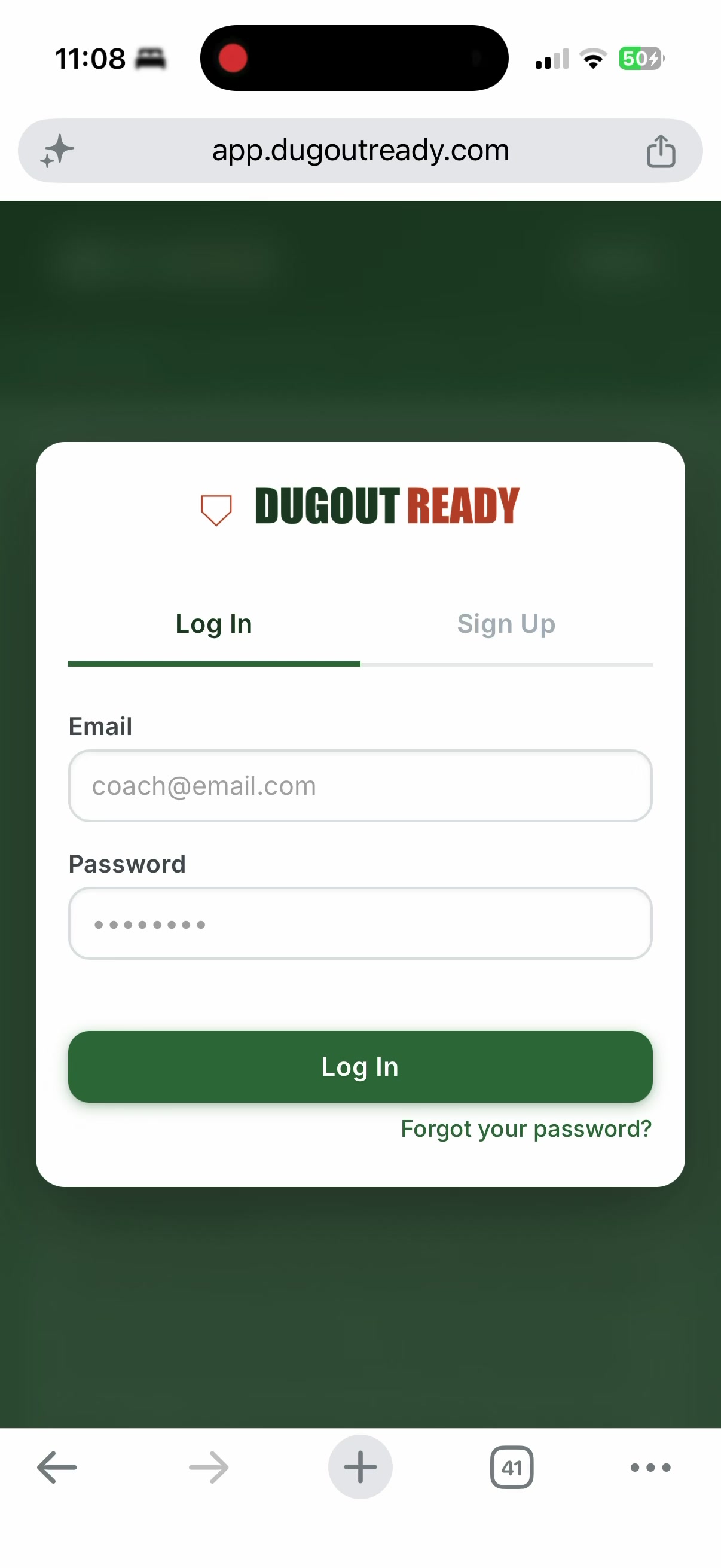
Open the Website
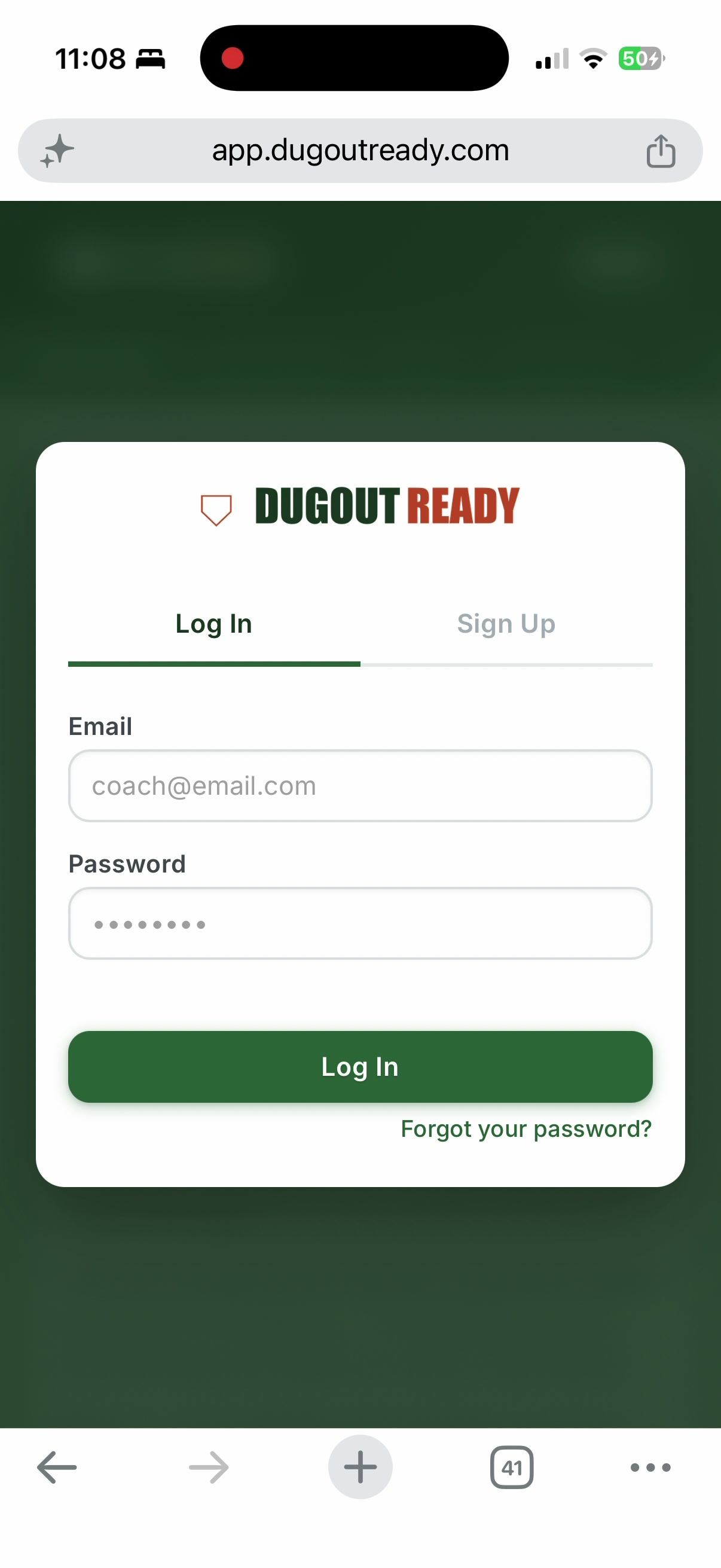
Go to the website in Safari or Chrome. In this example, we're using
app.dugoutready.com
. Look for the
share button
at the top right.
← Back
Next →
▶ Auto-play
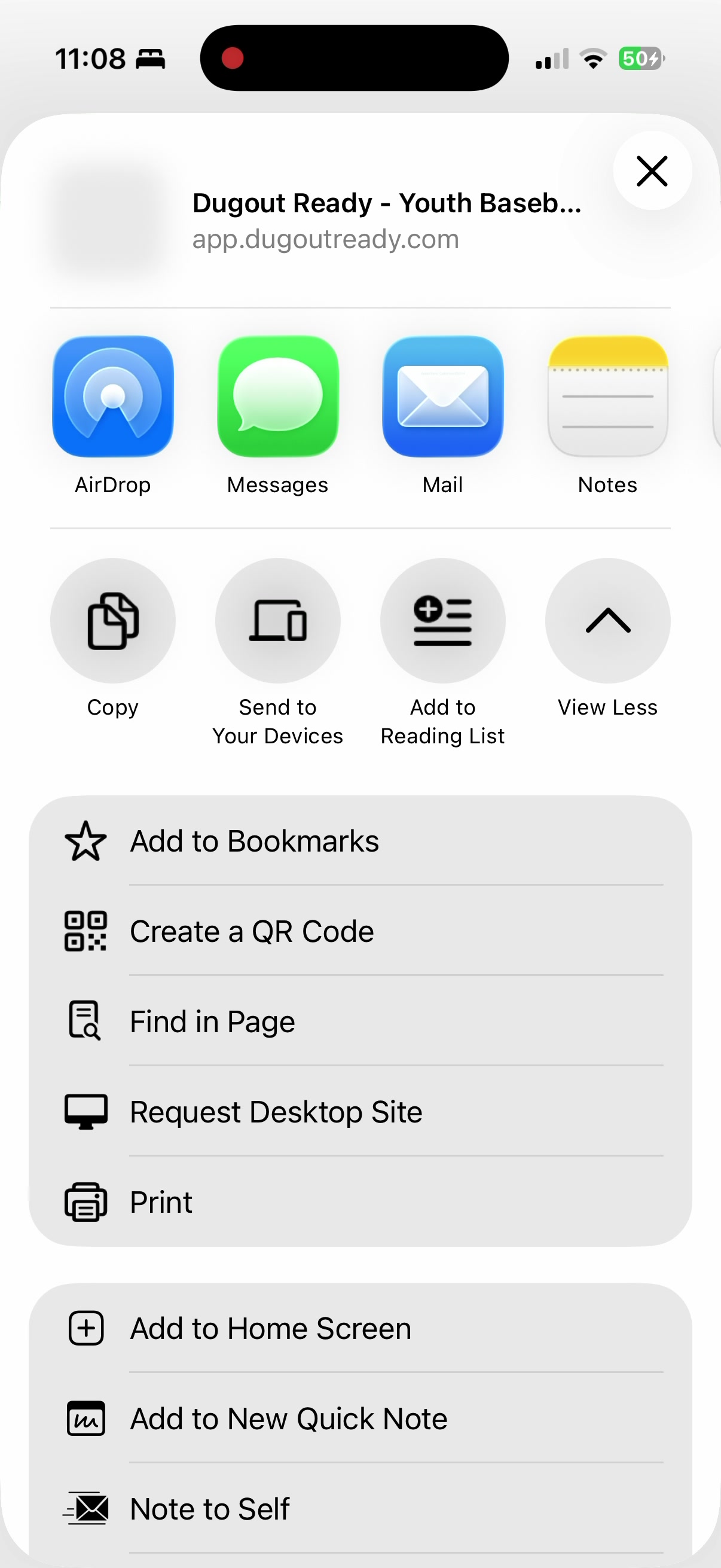
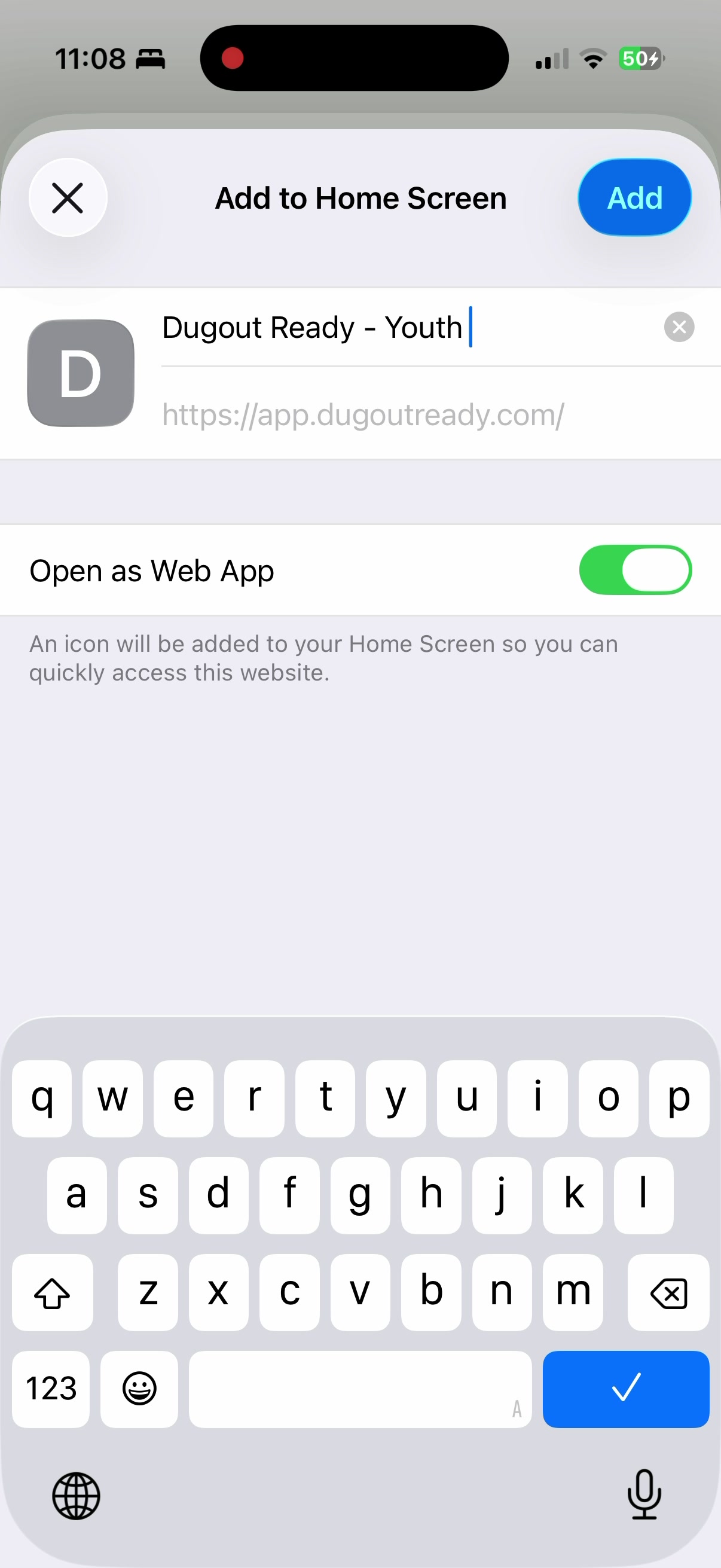
Works for any website
This guide uses DugoutReady as the example, but these steps work for any website you want to save as an app icon on your phone.